
Sent and received Spotlight data is visible to the Supervior of the employee as well as the myFolio Admin.
How-to View Spotlight Data
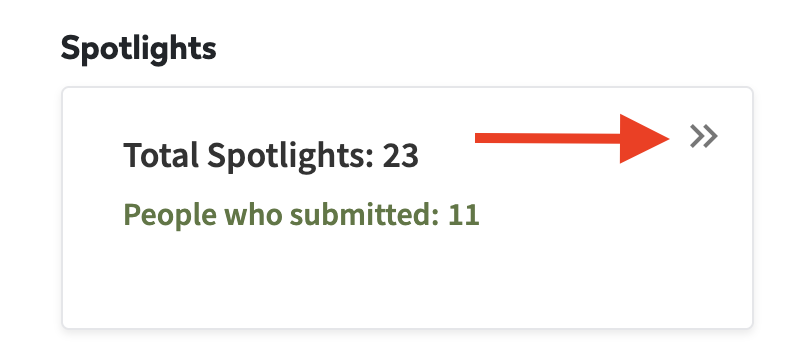
To access Spotlight data, click "Reports" in the top navigation bar. In the Spotlights box on the Reporting Dashboard, supervisors and admin can see the high level count of the number of sent Spotlights and the number of employees that sent them.

To view a detailed list of Spotlights, click on the double arrow in the corner of the Spotlights box.