
How-to Complete Your myFolio Profile
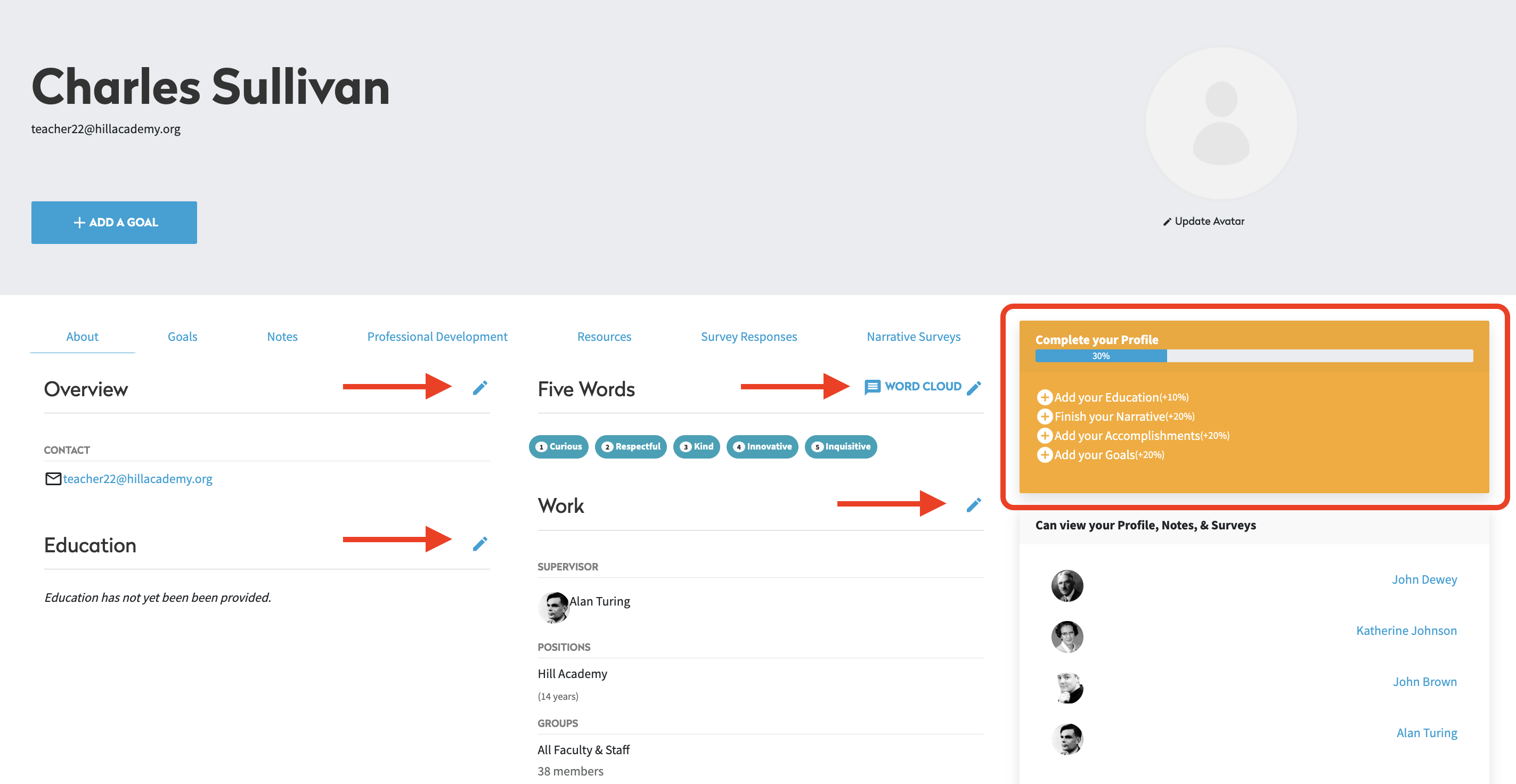
To begin, click your name in the top right-hand side of the screen. On your profile, you can share information about your Education and Work History, Personal and Professional Accomplishments, a personal Narrative, and Five Words. An additional Profile Component called “Additional Information” may also be enabled by your myFolio Admin.
To complete these fields, click the pencil icon next to the field title. Complete the prompts then click Update to save your information. Incomplete fields are shown in the yellow box on the right side of your profile.