
Within the Customizations Menu, myFolio admin can customize user Profiles with different sections. The features in this section are optional enhancements to the user Profile. Enabling any of these components will classify them as required fields, and users must complete them to achieve 100% Profile completion.
Basic Info lets users see who can view their Profile. Turn on the toggle to enable this feature.

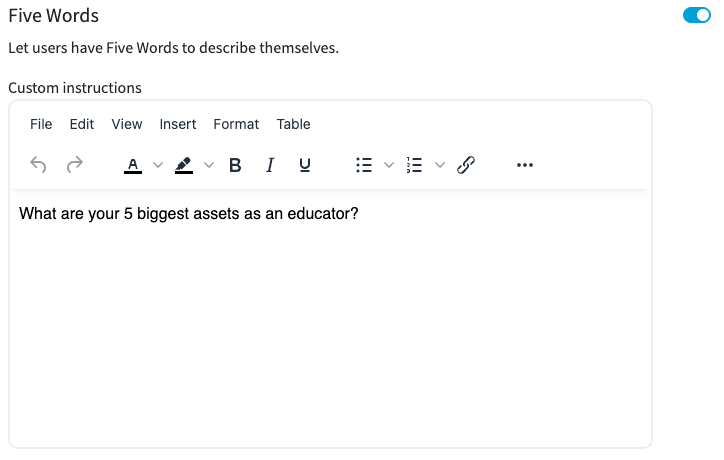
Five Words lets users have Five Words to describe themselves, or respond to another prompt. Turn on the toggle to enable this feature and write your custom instructions in the provided text box.
Personal Accomplishments lets users describe their Personal Accomplishments. Turn on the toggle to enable this feature.

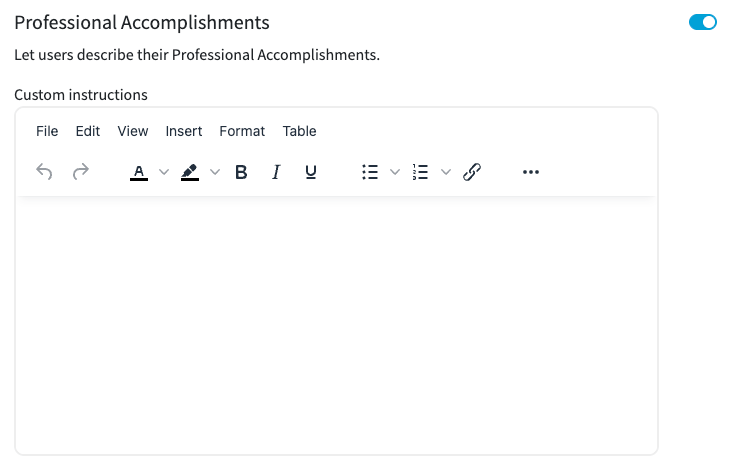
Professional Accomplishments lets users describe their Professional Accomplishments. Turn on the toggle to enable this feature and write your custom instructions in the provided text box.
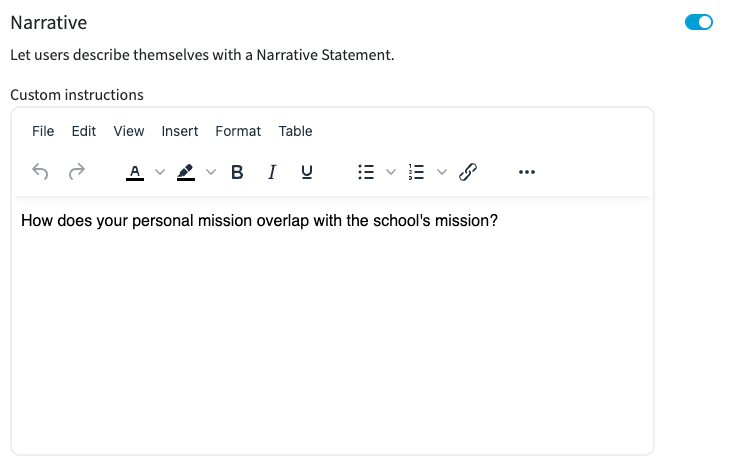
Narrative lets users describe themselves with a Narrative Statement. Turn on the toggle to enable this feature and write your custom instructions in the provided text box.
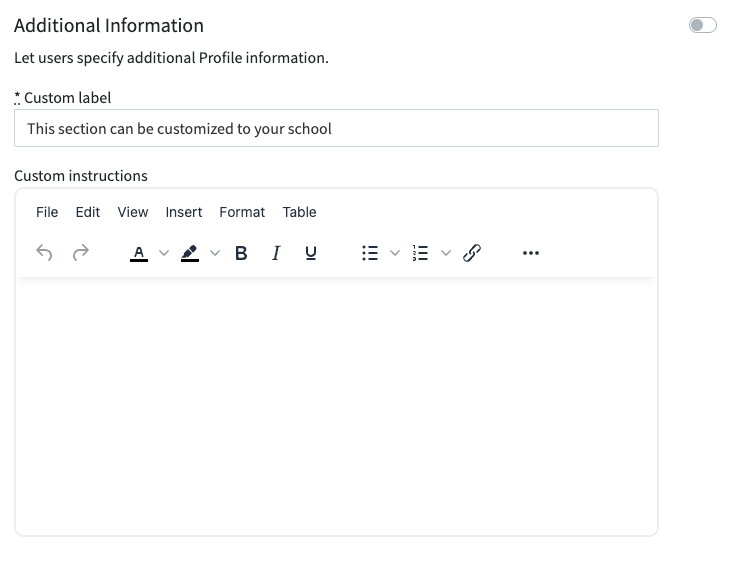
Additional information lets users specify additional Profile Information. Turn on the toggle to enable this feature, label the section, and write your custom instructions in the provided text box.
After any Profile customization changes, click "Update" to save.