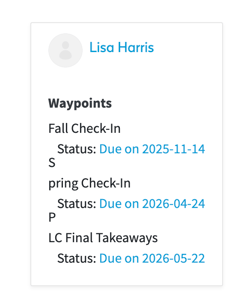

Workspaces in myFolio provide flexibility around assigning Folio professional growth items, called Waypoints. A myFolio Workspace can also facilitate team and collaborative work.
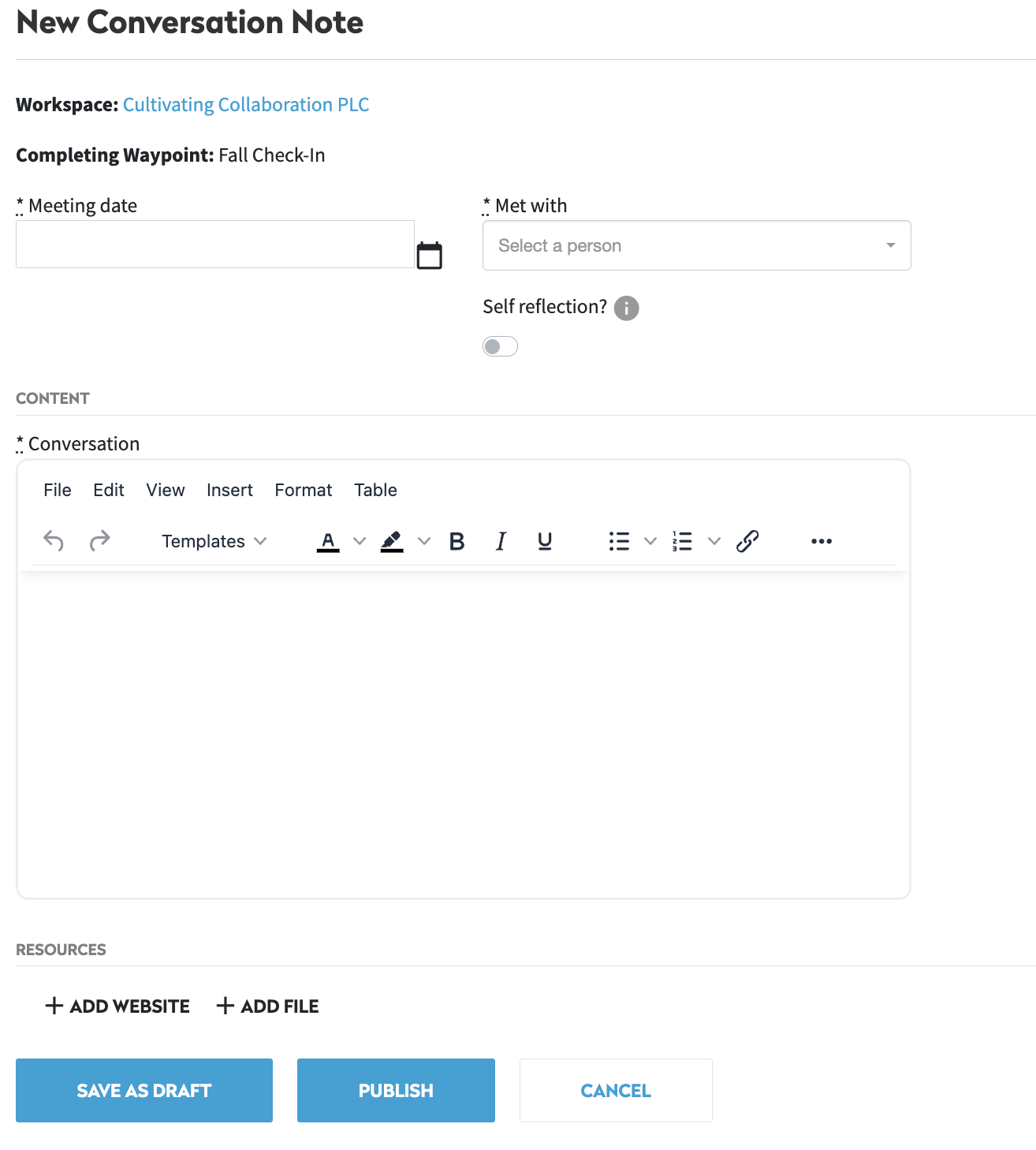
Waypoints are similar to Folio Milestones (Goals Meeting, Observation, Year-end Summary, etc.) in that they have due dates, are tracked by myFolio, and are associated with a Note Type.
Waypoint timelines are entirely customizable and apply only to the members of the specific Workspace the Waypoints pertain to.
How-to Navigate a Workspace
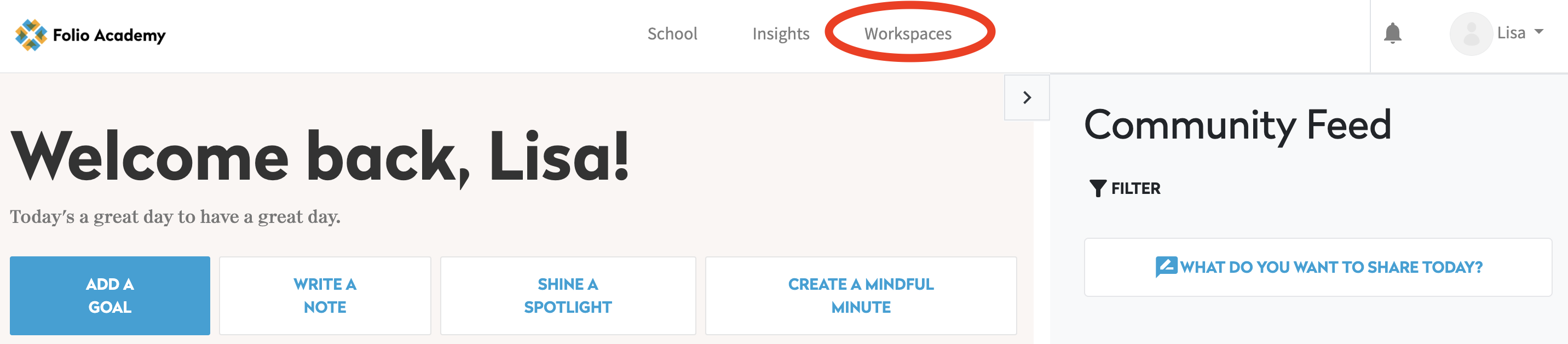
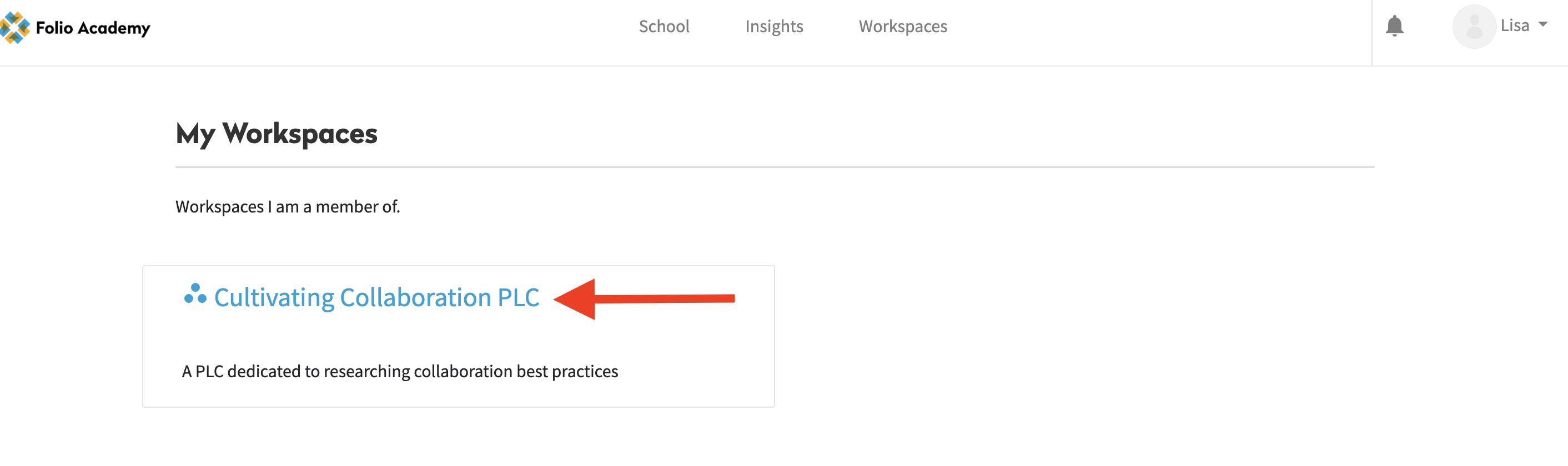
To access Workspaces you belong to, click "Workspaces" at the top of the page, then select your desired Workspace.
Within a Workspace there are four main sections: Activity Feed, Timeline, Resources, and Members.
Activity Feed
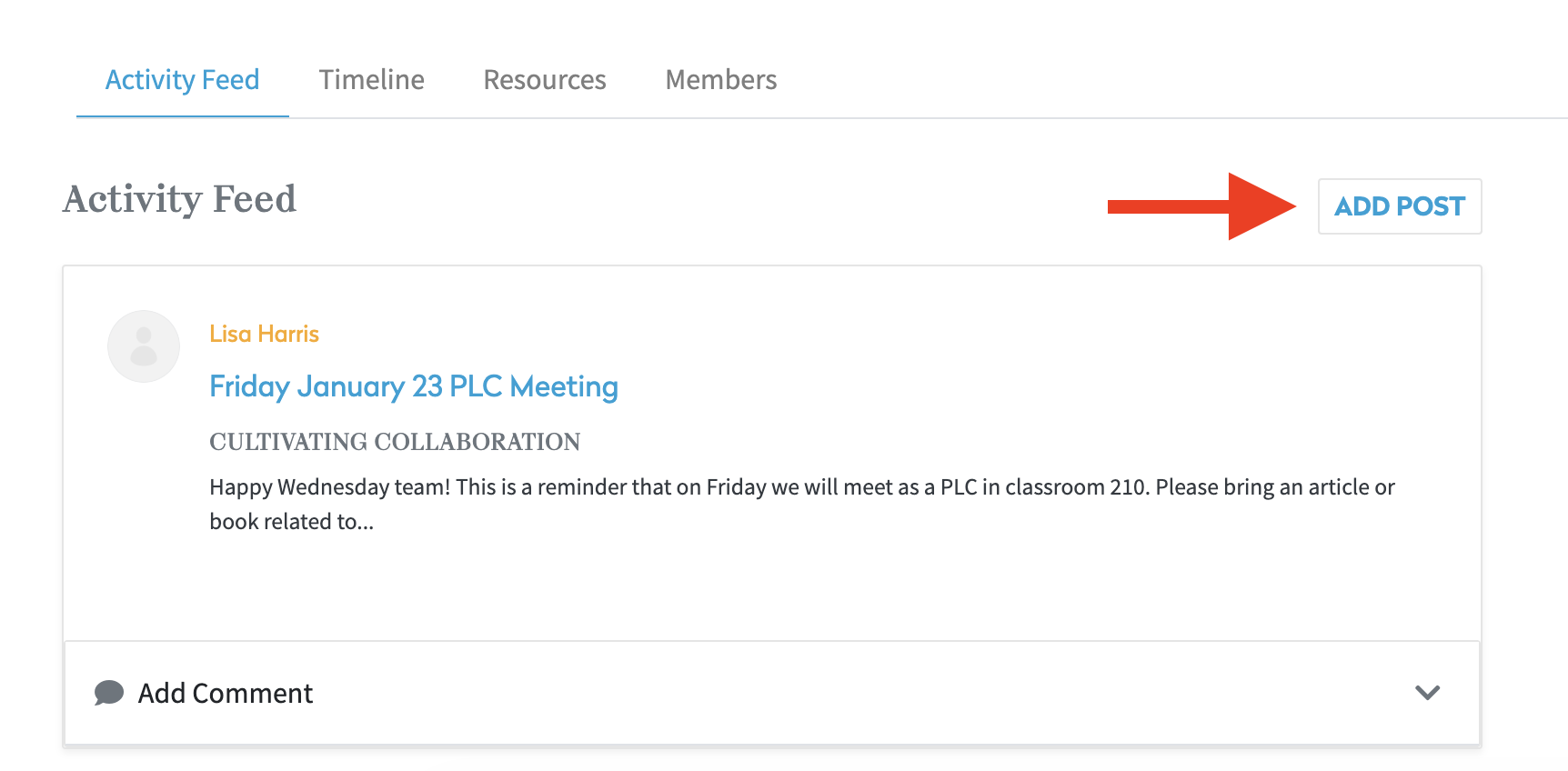
The Activity Feed is used to communicate and Collaborate with other members of the Workspace. Anyone in the Workspace can add to the Activity Feed by clicking "Add Post."
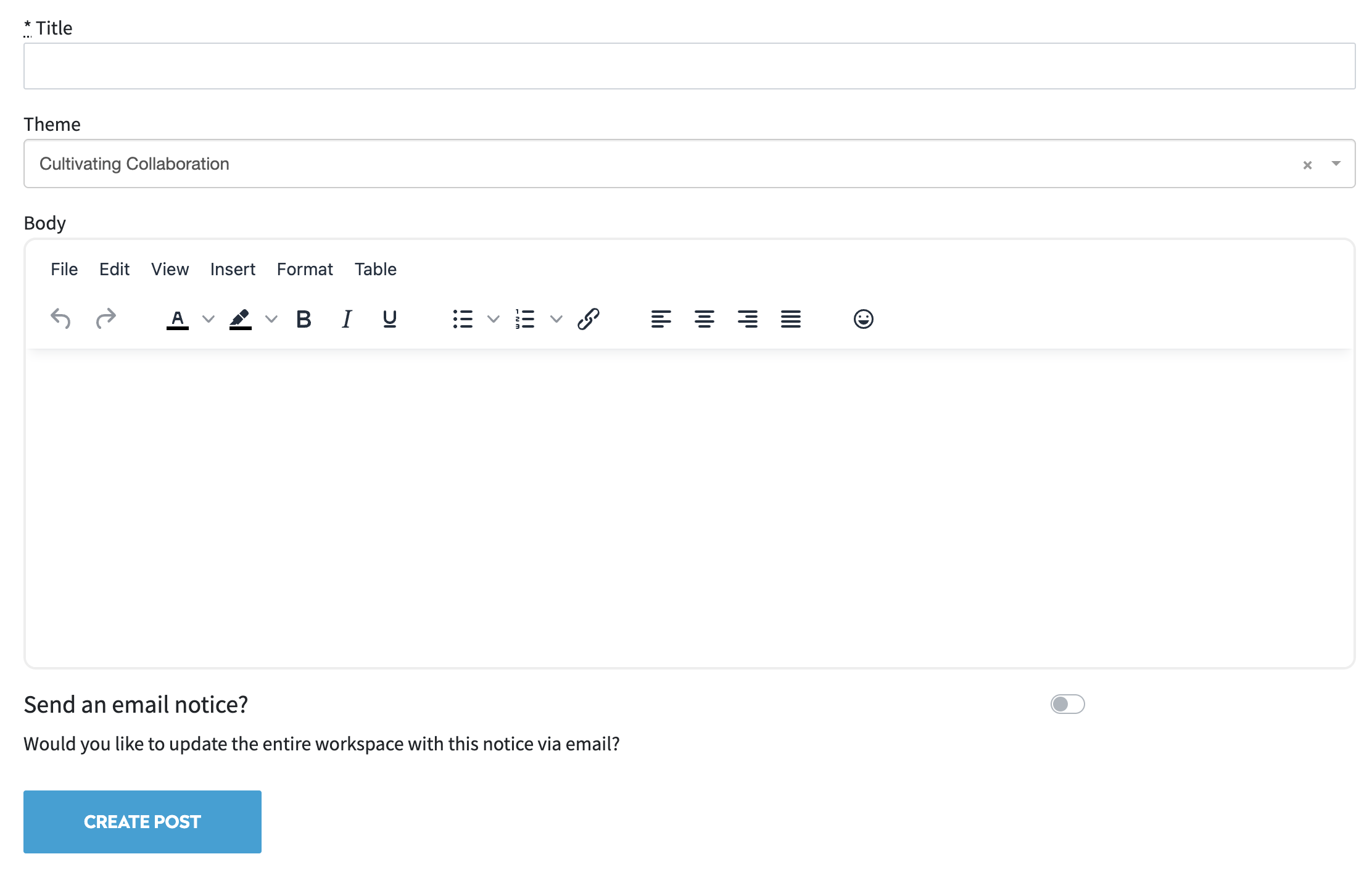
After titling and writing your post, click "Create Post" to add it to the Activity Feed.
Timeline
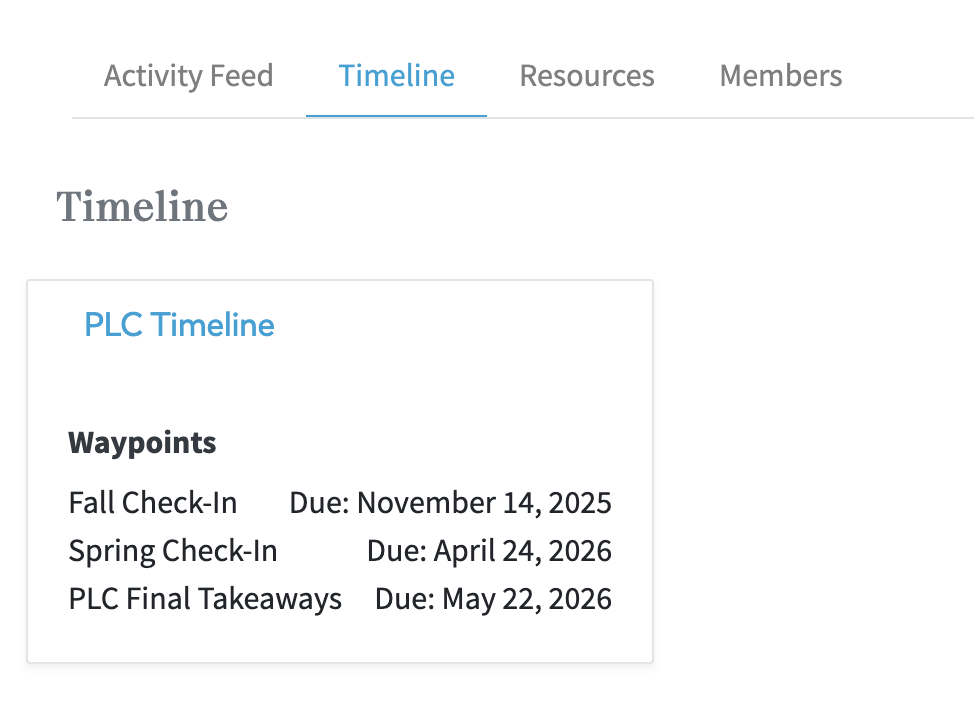
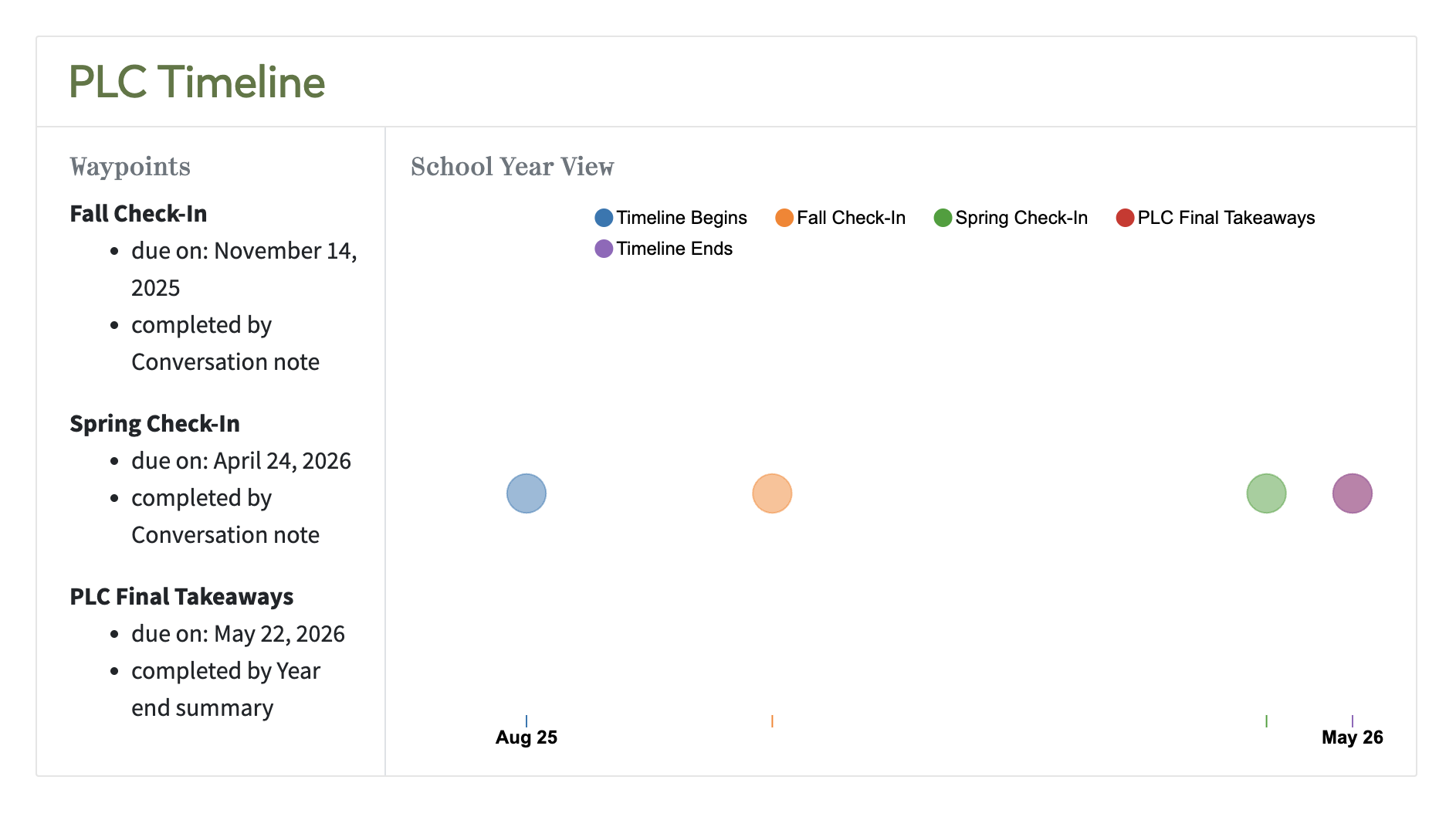
The Timeline is visible to all members of a Workspace, but is only able to be created or edited by the Workspace Manager. The Timeline displays all Waypoints associated with the Workspace and their due dates and Note Types.
Resources
The Resources page allows members to upload Workspace-specific websites and files to be shared with other members.
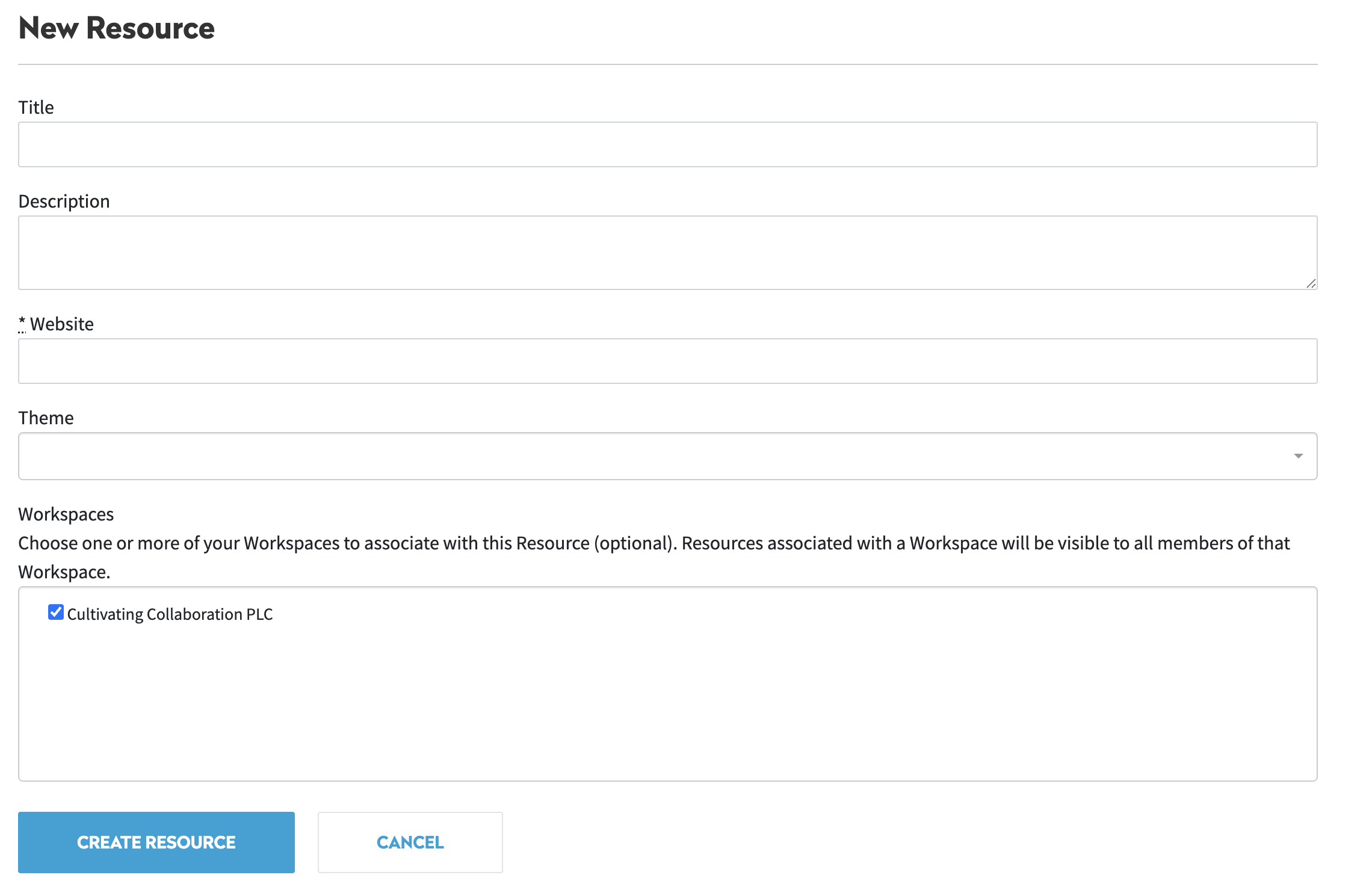
To add a resource, click "Add Website" or "Add File." Add a title, description, URL or upload, and theme for your resource. Select which Workspace you would like to add the resource to (multiple Workspaces can be selected at the same time). Once finished, click "Create Resource."

Members
From the Members page, Workspace Members can view the status of their Waypoints. To complete a Waypoint, click on the due date to be taken to the Note page for that Waypoint. After writing the Note, click "Publish" to complete the Waypoint.